
If you are working on a PayG (Pay-as-you-Go) Board and have hit your current storage limit, you can easily upgrade the storage capacity at any time during the board’s validity period. This ensures your project continues without interruption.
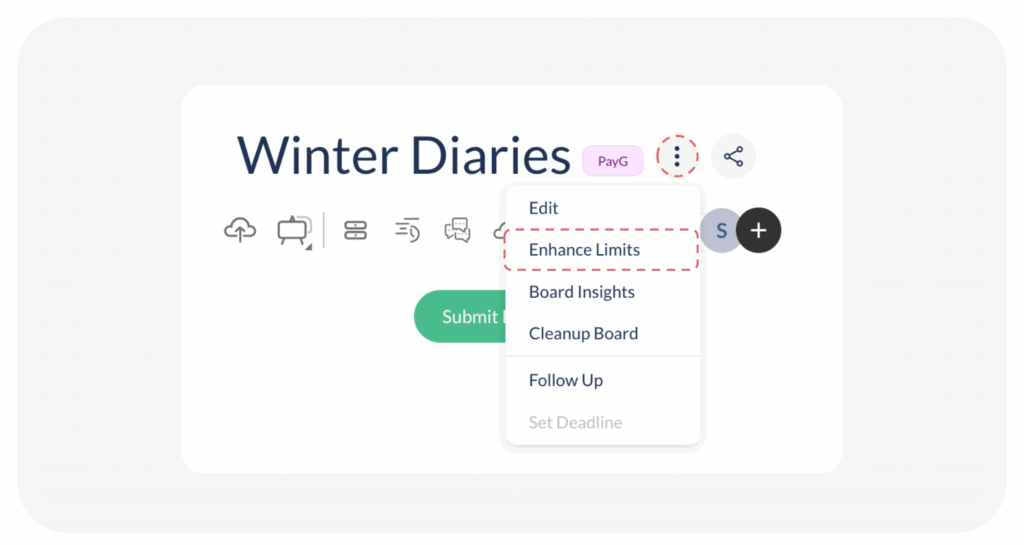
To Upgrade Your Storage follow the steps below
- Click on the three dots next to the name of the PayG board you wish to upgrade.
- Select Enhance Limits
- Choose from 10 & 20 GB for upgrade.
Note: If you already bought the board with 20 GB storage, you will not be able to upgrade beyond.
Visited 13 times, 1 visit(s) today
Was this article helpful?
YesNo
Last modified: January 6, 2026
