
When you share a file using a public URL, the recipient is granted Guest Access, which is designed to allow external parties to fully participate in the content review and communication process without needing a registered account.
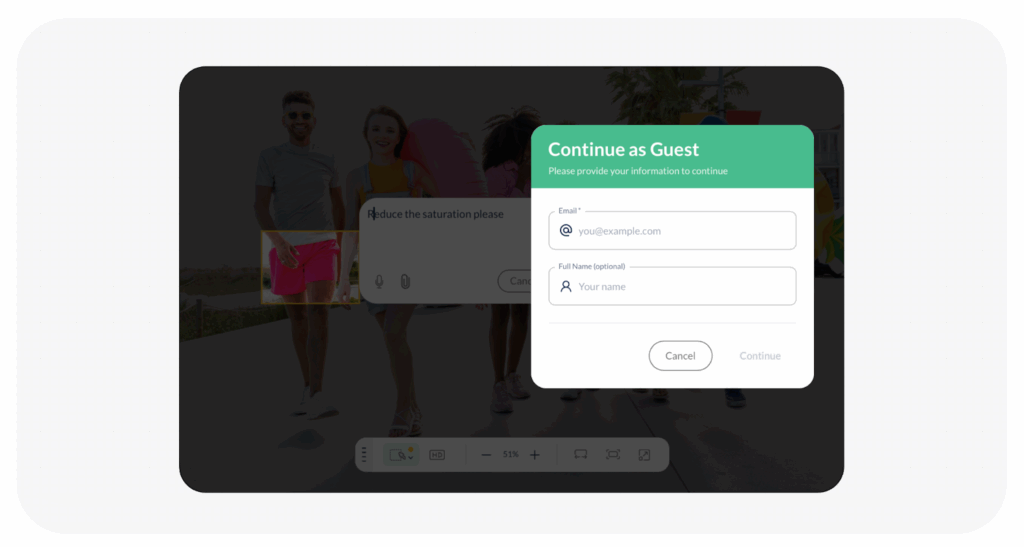
Adding feedback to the file is permitted based on the file’s current workflow status. In the feedback tool, Guests can use all of the following features:
- Annotations
- Voice Notes
- Attachments
- Reply to Feedback / Comment
- Edit, Delete Own Feedback, Comment, Replies
In a nutshell, guests can add foundational feedback, which is key to the revision cycle.
Visited 48 times, 2 visit(s) today
Was this article helpful?
YesNo
Last modified: January 26, 2026
